
 by
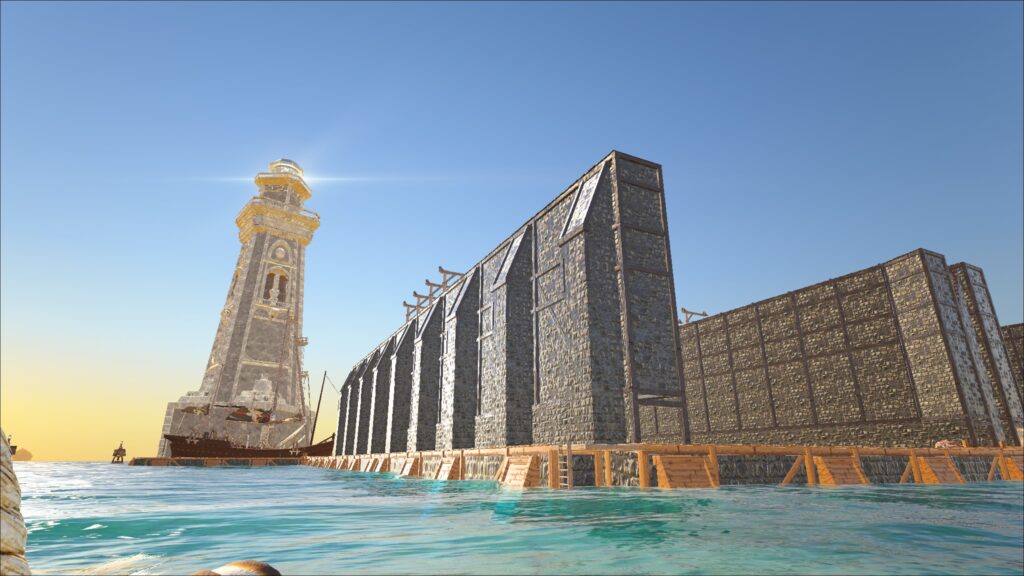
by The so-called "Maintenance Dock" is used to repair, rebuild and even upgrade the quality of ships. You can build it in the Ship Working Station.
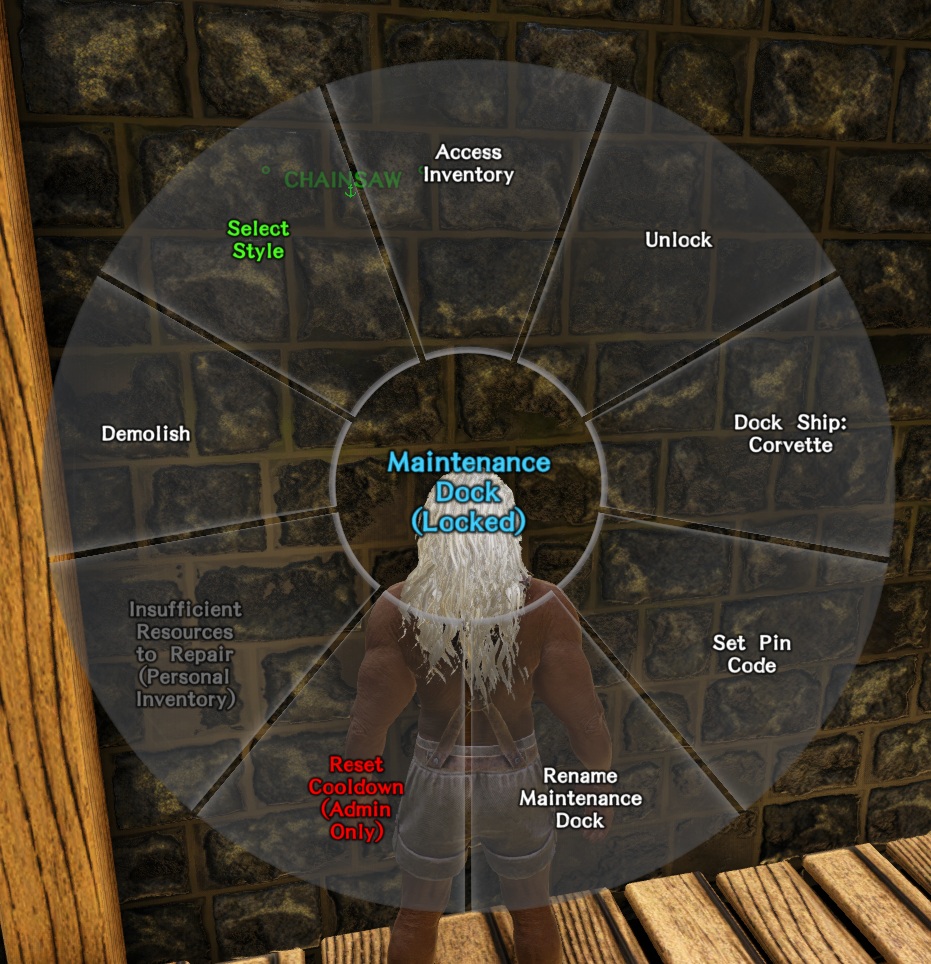
You can "dock" the ship using a simple menu (hold down "E" as usual).
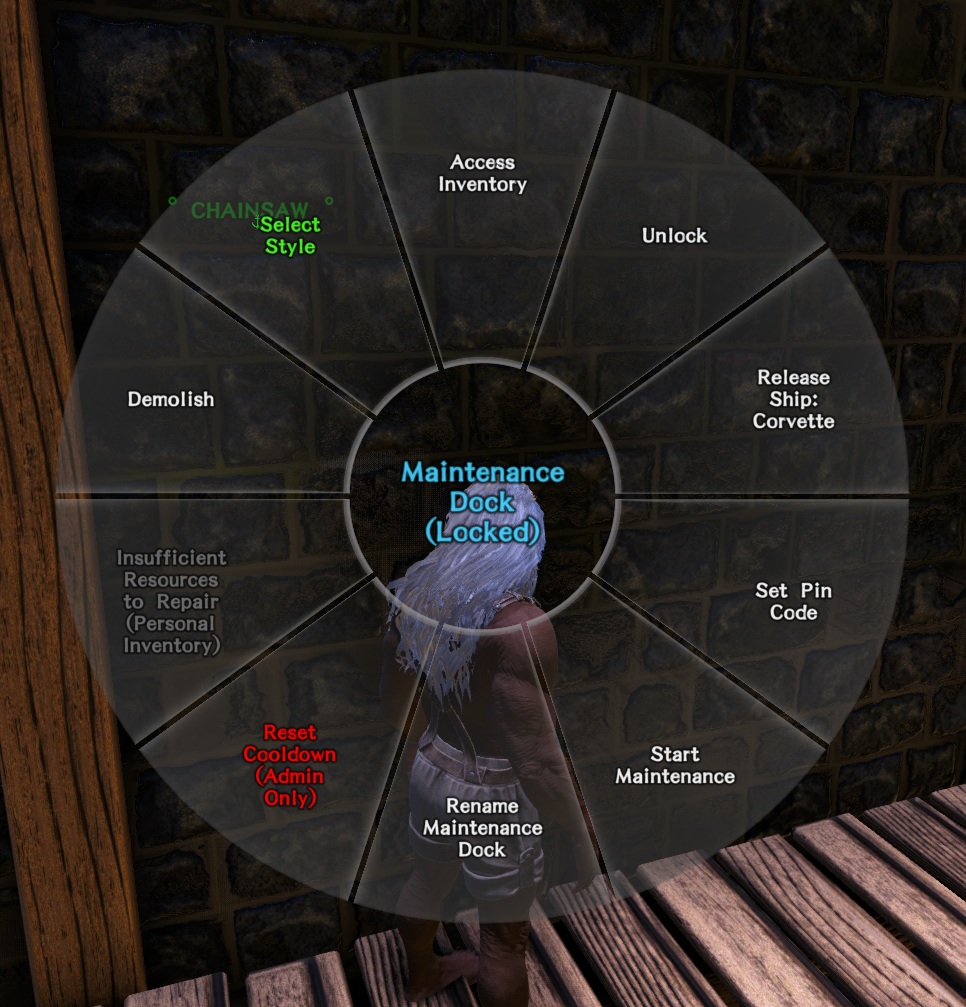
Then pack all the repair materials you need to repair a ship and its individual parts into the inventory of the dock (not the ship). Then select "Start Maintenance". Your ship will now be fully repaired.
When docking, the ship is actually lifted out of the water. Now you can work on the ship. The ship is safe in the "dry dock", so it is also safe to remove planks without water running into the ship.

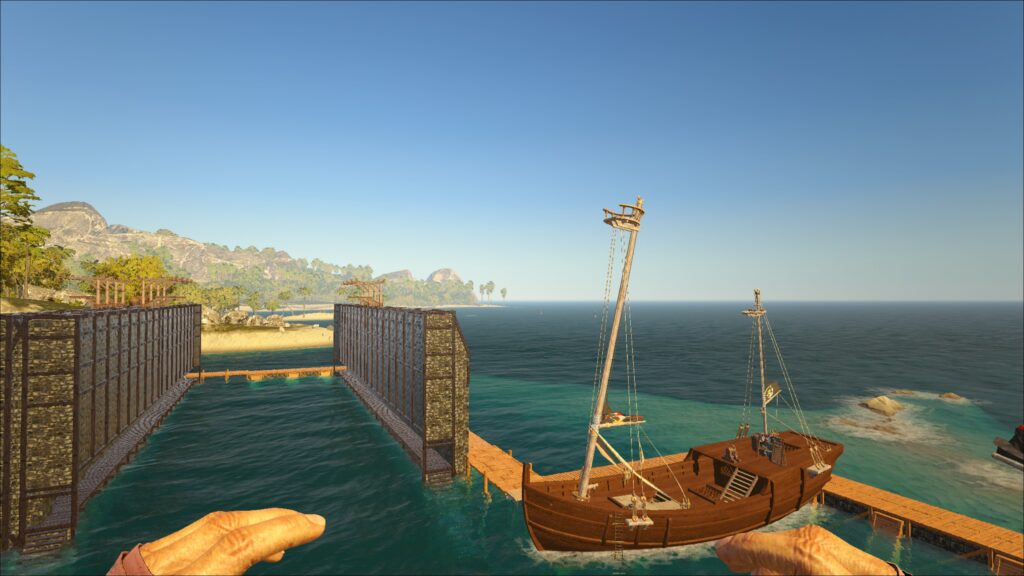
If you have a blueprint for the class of your ship, you can also update it. For example, you can turn a gray Leopard into a legendary one. To do this, put the ship's blueprint and all the required materials in the dock's inventory. Then craft the blueprint in the dock while your ship is docked. The ship can remain complete and does not need to be dismantled.
Once your work is done, you can release your ship back into the water with "release ship".
Safety instructions: if you are tempted to use several docks, do not build them close together or side by side. This can lead to considerable problems. Allow sufficient safety clearance. As a rule, one dock per base is sufficient anyway.
 English
  German