
 by
by 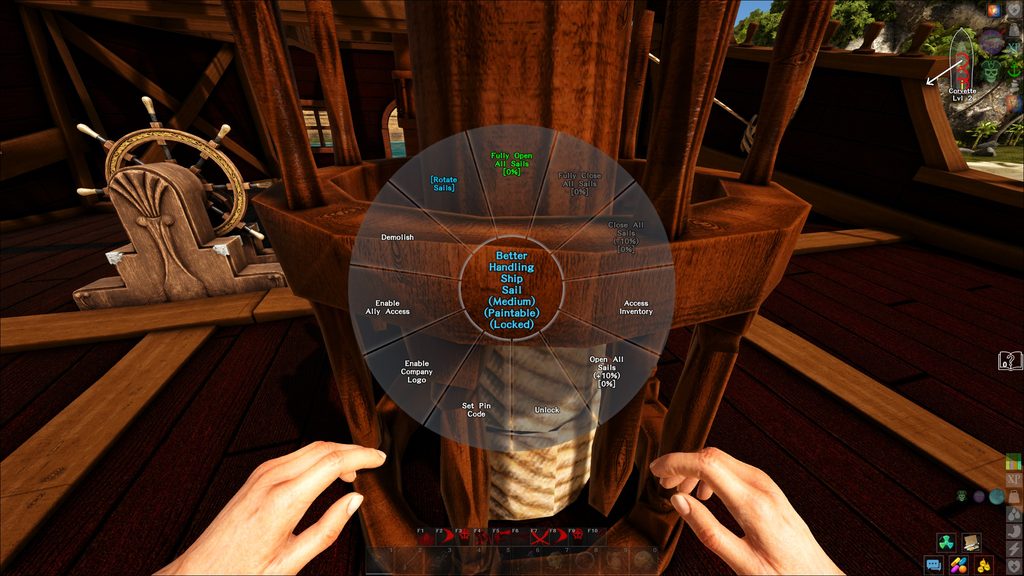
Once you have successfully created your logo, you can press it on any mast, select the desired logo and it will be applied instantly. No color is required. Multiple logos can be stored per company and switched on the mast. The same applies to flags that you can place on land or hang from your masts!
And how do I get the logo I want into the game?
Here is a small step-by-step guide:
- Open the RA shop in the game and purchase the „CompanyLogoPack“ for 2500 Radiocoins.
- You will receive a short confirmation that you have purchased something.
- Our database records that you have purchased such a package.

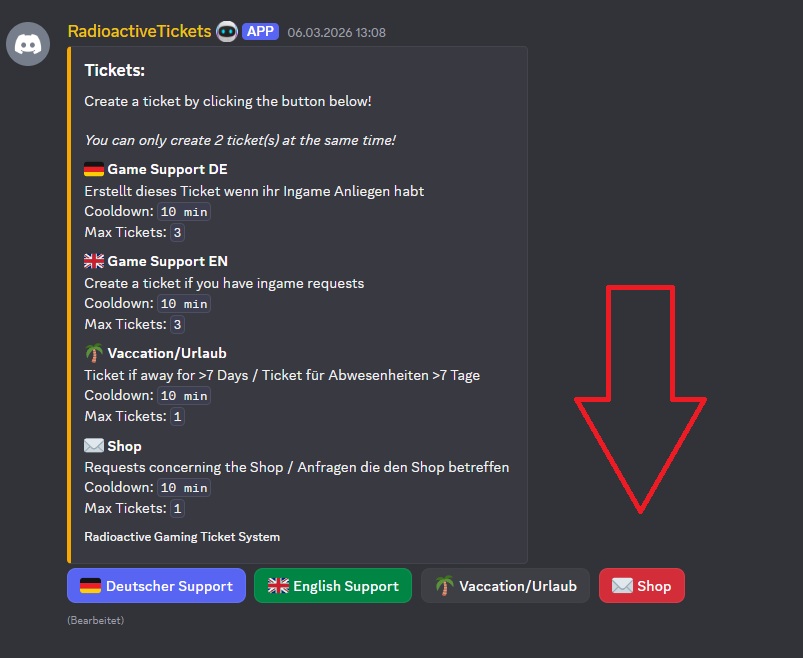
- In Discord, you open the appropriate section via the ticket system. Click on the „Shop“ button there.
- Fill out the fields. In particular, the full company name is important.
- Post your Company ID. You can find it in the Company/Company inventory at the top left, immediately below your company name.
- Post an image with the logo you want in the resolution of 1024 x 1024. The image should have as little background as possible or be transparent. Not every image is suitable as a logo. If there is a problem with the motif you want, we will let you know in the ticket.
Please respect the copyright!

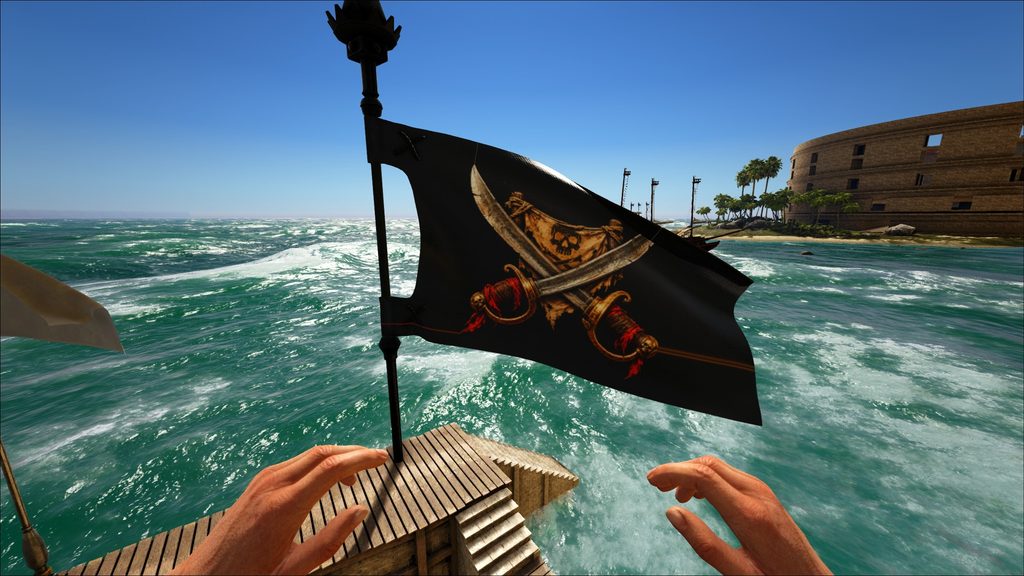
- Revy will upload the logo with the next patch. As soon as the patch is online, your logo will be available to you.
Please note that it may take some time until the next patch is released.
The sail can also be attached to some flags. Look for „Variable Company Flag“ in the Deco Bench.
And one final note: unfortunately, attaching the flag to the „Insel Claim Flag“ is not possible for technical reasons.
 English
  German